
DryreL Software Gears of War 3 mod
Gears of War 3 Multi Patch Tool
The patch that makes Project Jacinto playable.
One double-click tool that fixes the campaign soft-locks, adds ultrawide and keyboard support, brings Steam co-op and tunes performance for Gears of War 3 on PC.
Free on NexusMods · v0.3.6
- 5,975Unique downloads
- 8,709Total downloads
- 40,277Views
- 57Endorsements
NexusMods numbers on 21 October 2026.
Bug fixes, Steam co-op, ultrawide UI, custom FOV, checkpoint and keyboard fixes and more, in one installer.
Why players install it
- Steam online co-opExperimental campaign co-op through Steam. No port forwarding and no VPN: the host presses F8 to invite, the friend accepts and the game joins.
- Campaign soft-locks, fixedThe razor wire fence, loader plates, empty Bon Voyage stage, Crater elevator, Tempest boss and Brumak chapter end all work now, plus many more.
- Ultrawide and any resolutionEvery menu and HUD widget scales to 21:9 and 32:9, with the high-resolution crash fixed.
- Keyboard and mouse that workESC closes menus, Space and Tab act as Start, and you set sensitivity before you play.
- Your game, your settingsPick FOV from 60 to 120, a player name, language, camera shake and a VRAM-based texture profile.
- Safe to tryEvery file it touches is backed up first, and a one-click revert restores the originals.
- Released 23 August 2026
- Last updated 20 October 2026 (v0.3.6)
- About 100 unique downloads a day since launch
- 366 community comments
- Virus scan: safe to use
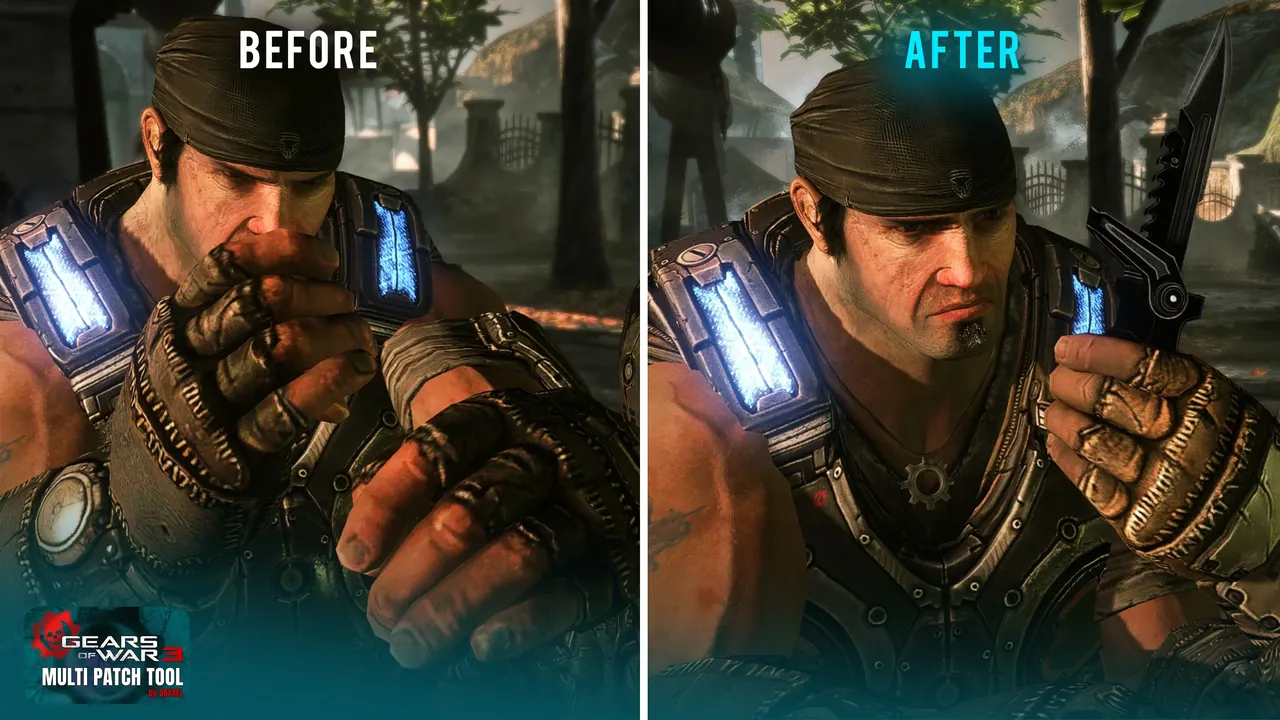
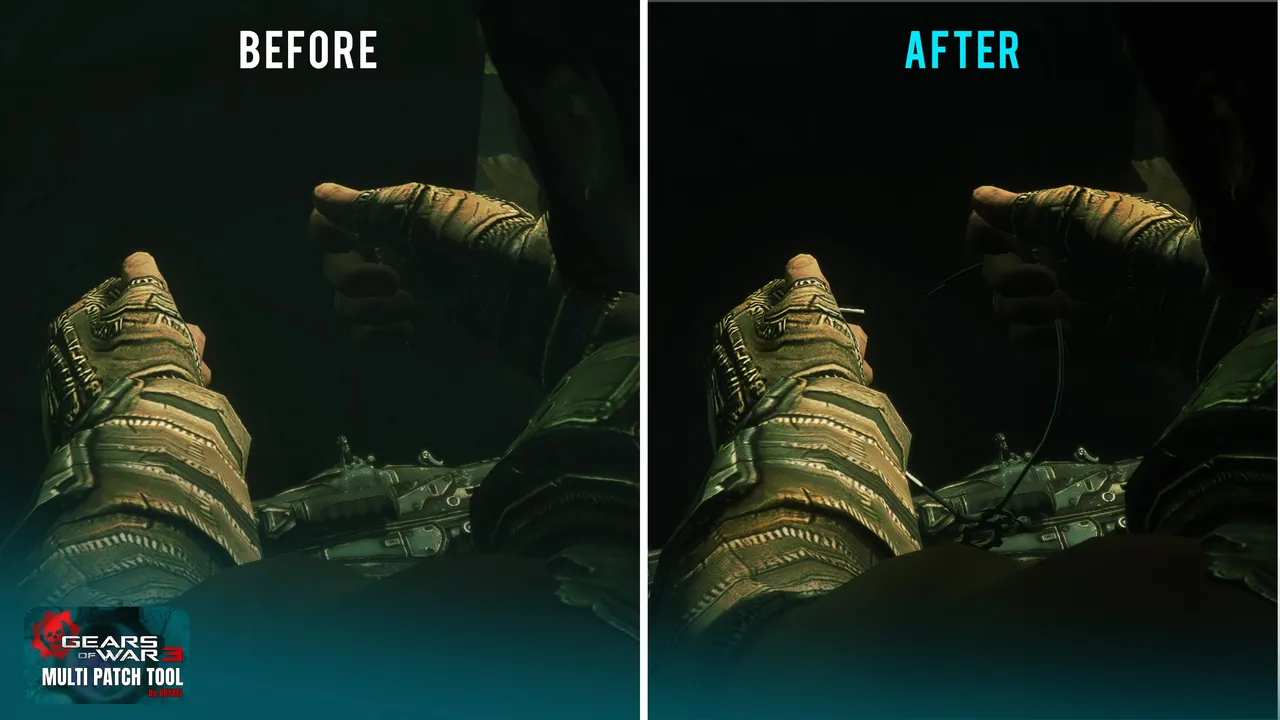
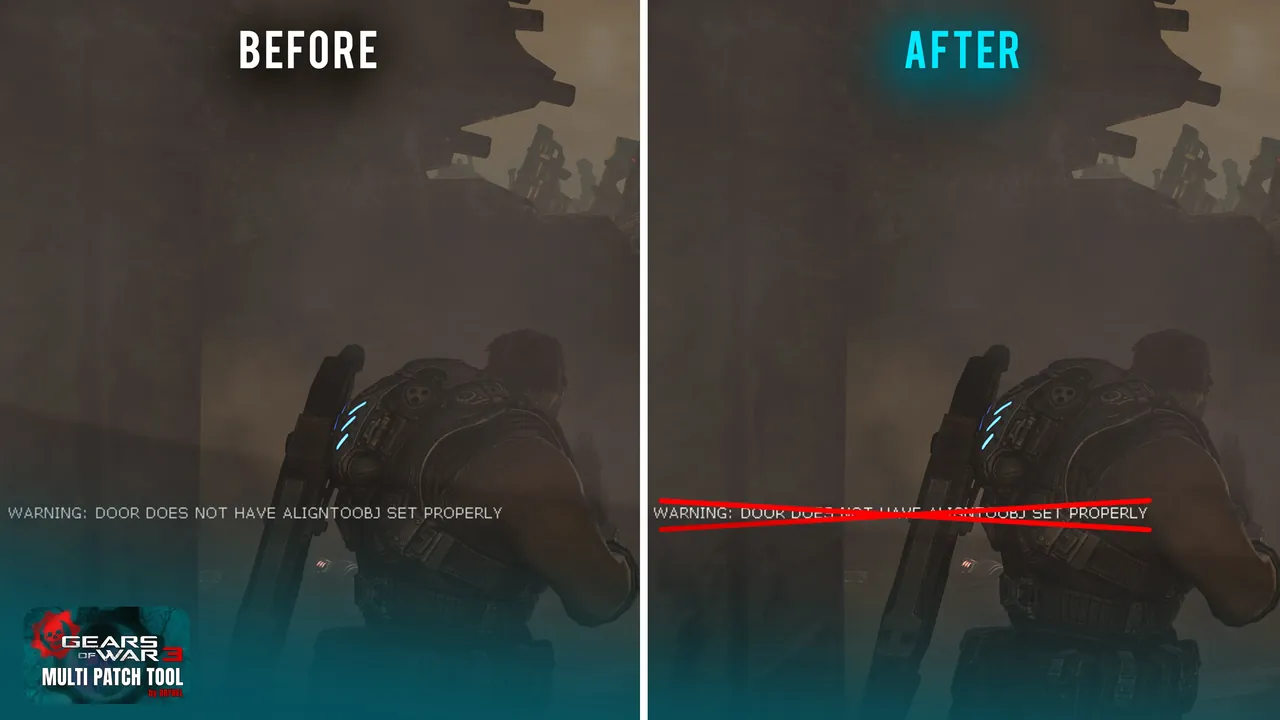
Before and after
The difference, side by side
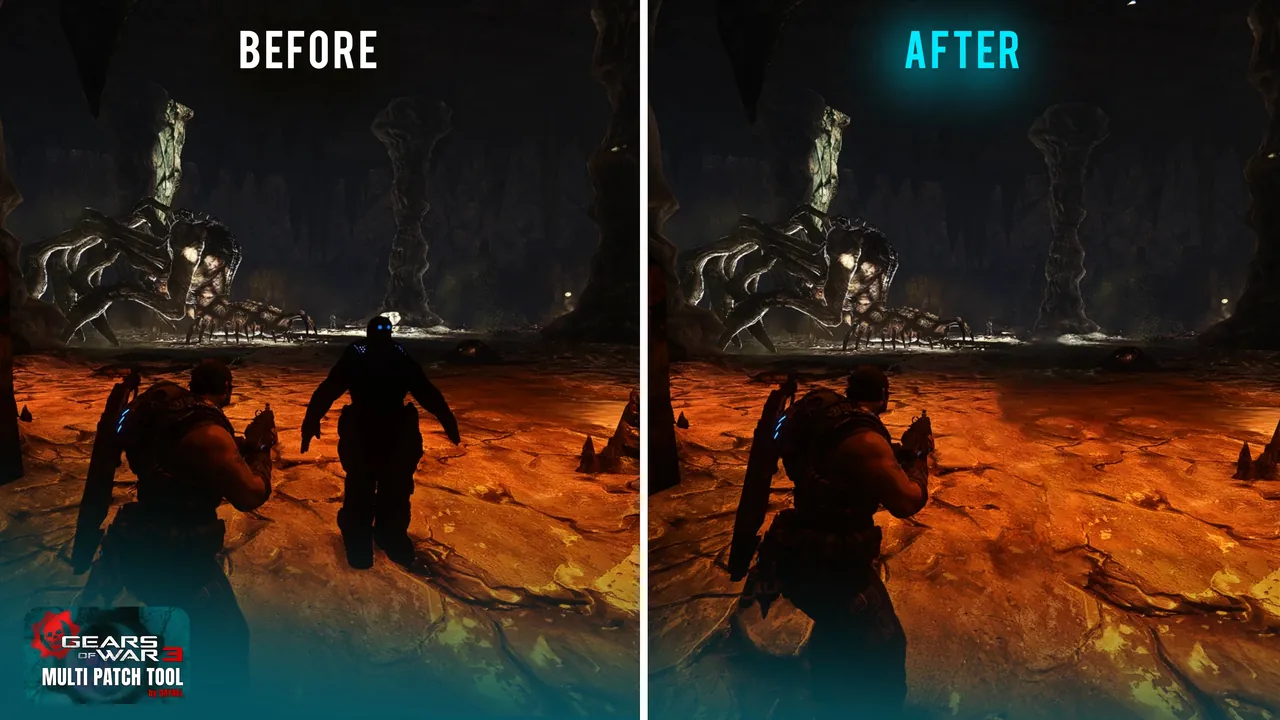
Gallery
See it in action
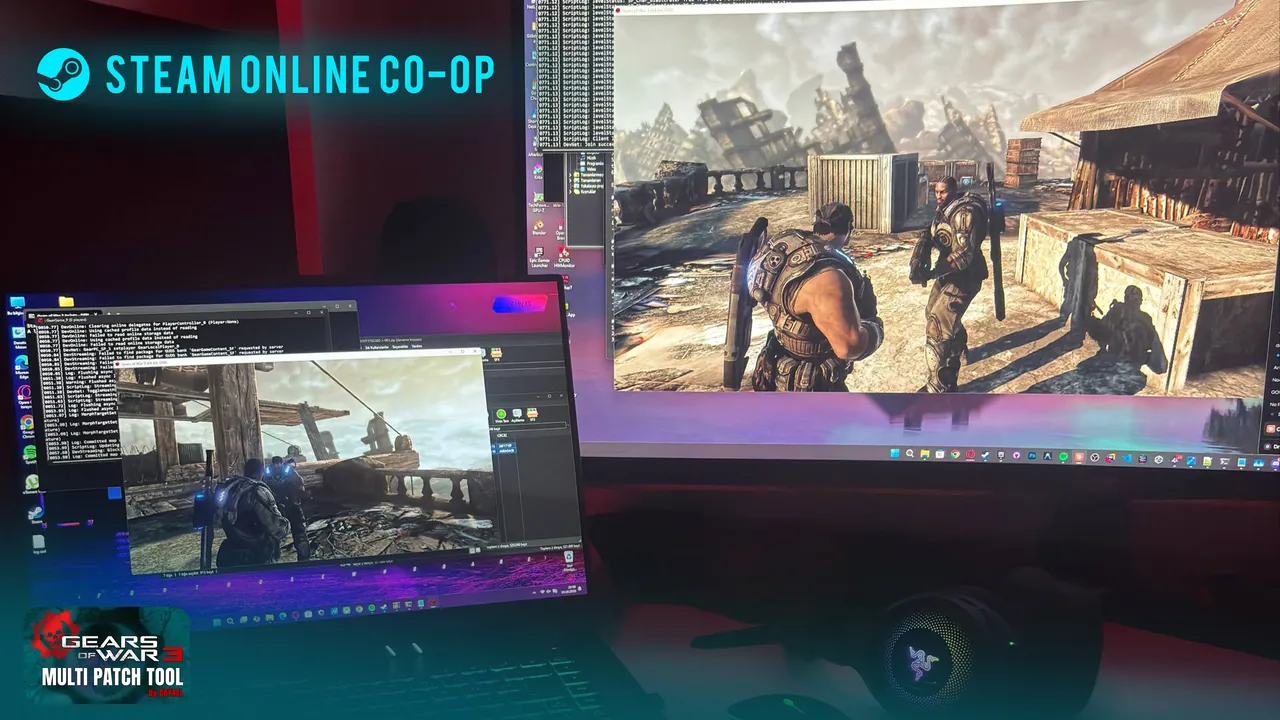
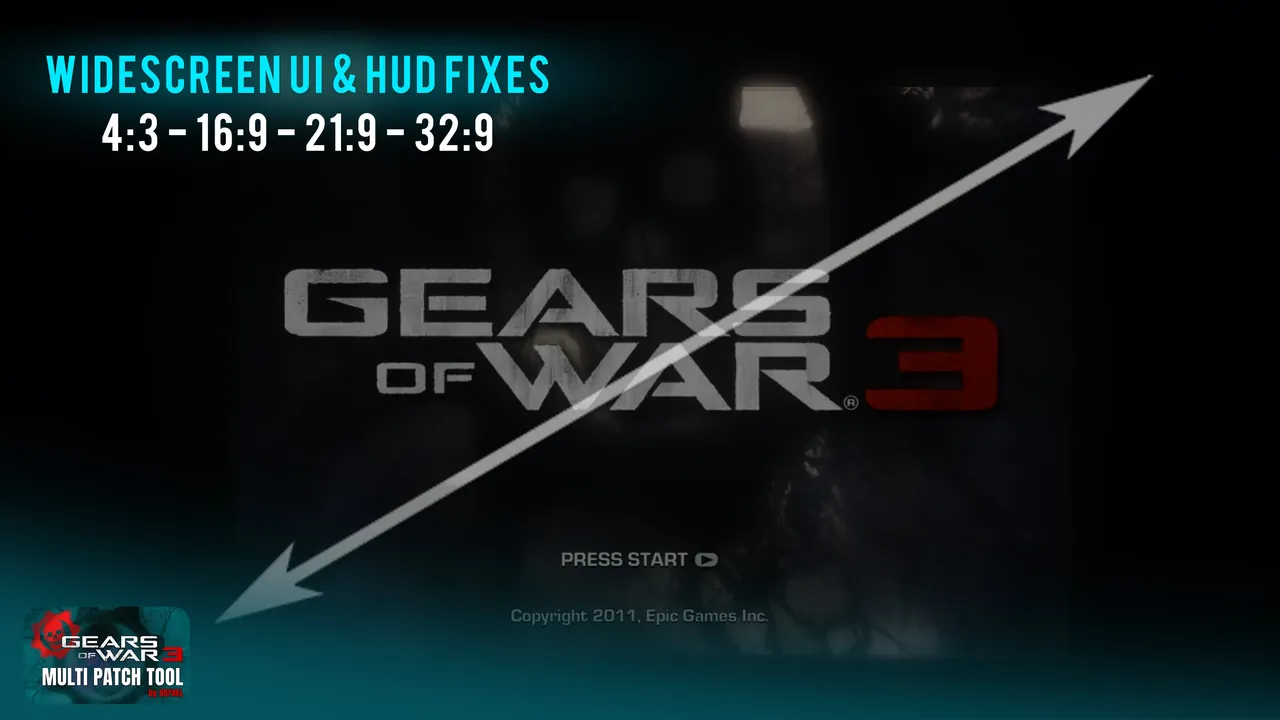
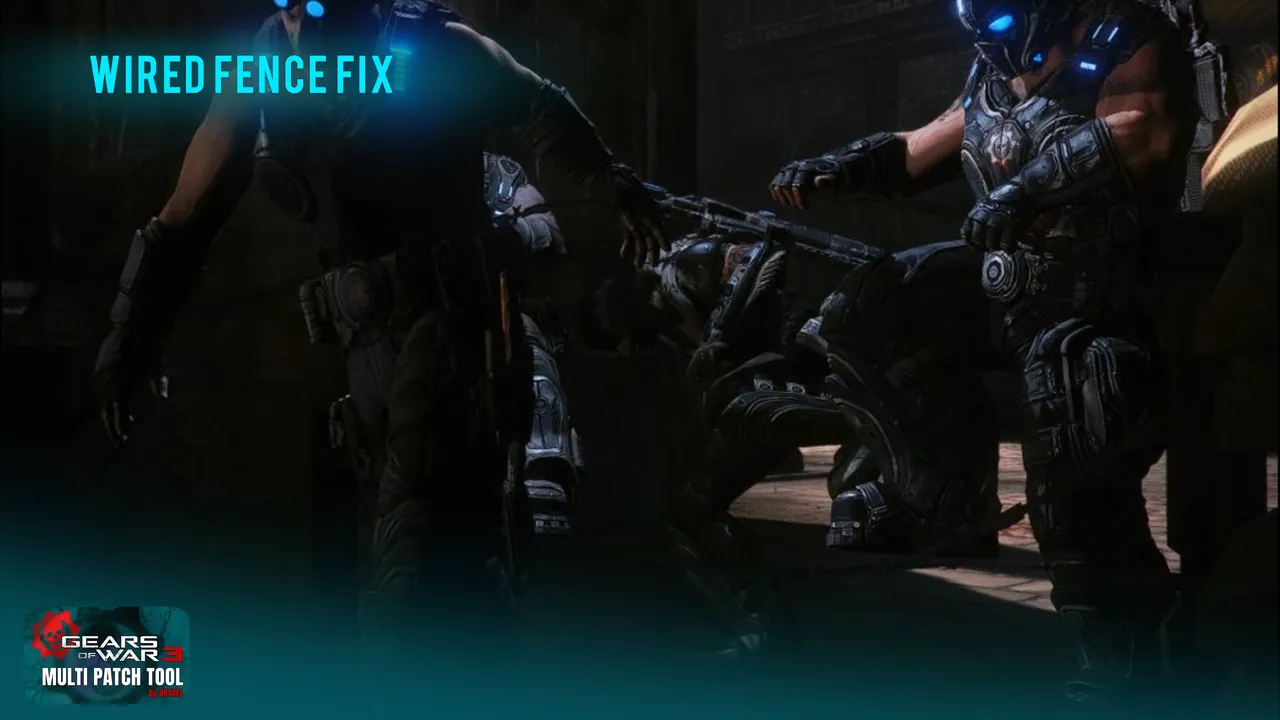
Full list
Everything it fixes and adds
Campaign bugs8
- Act 1 Chapter 2: the slow-motion that never ended now returns to normal speed
- Act 1 Chapter 3: razor wire fence soft-lock ("Can't do that yet")
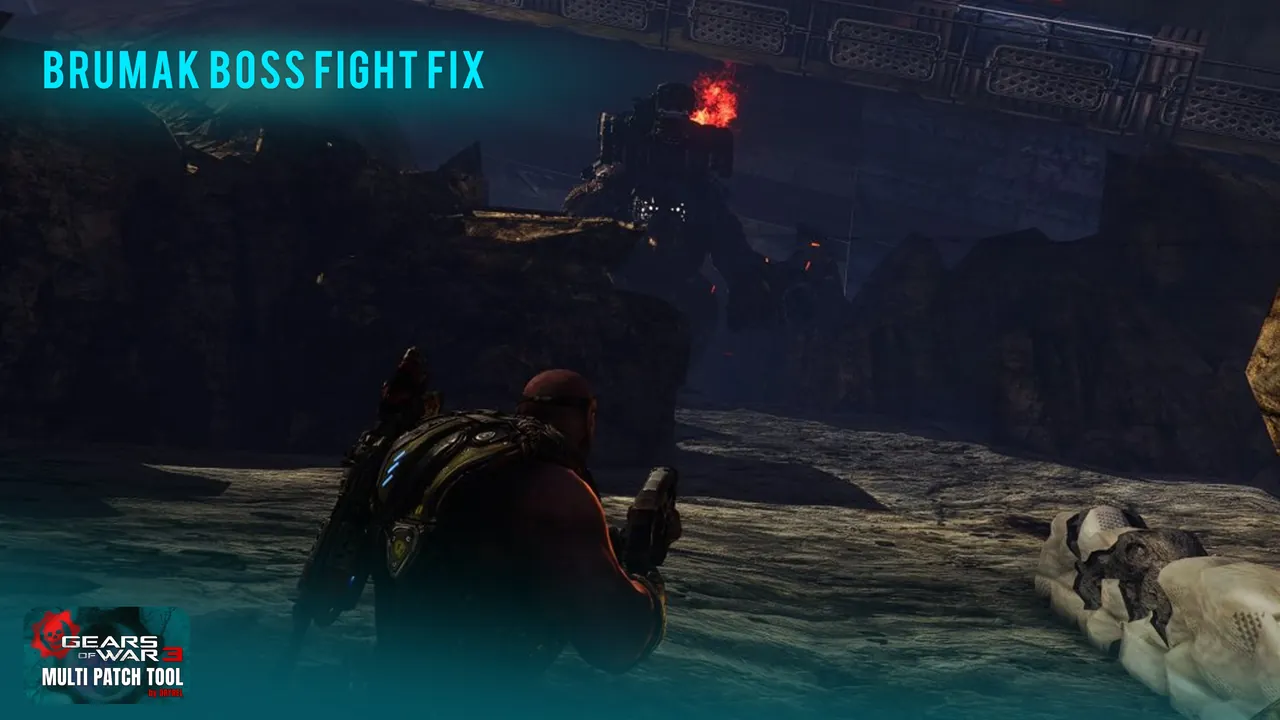
- Act 2 Chapter 1: Brumak chapter end after a checkpoint reload, and the placeholder death scene removed
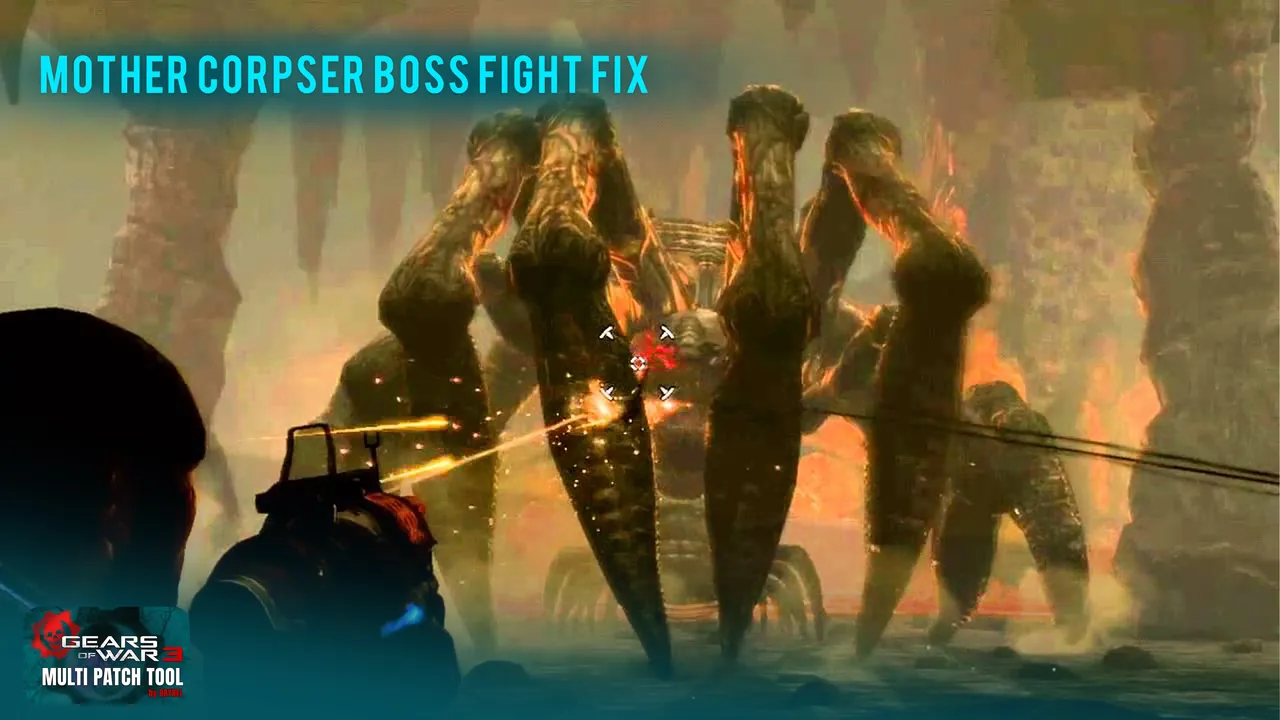
- Act 2 Chapter 4: Mother Corpser boss fight rebuilt (credit: LukeBoya)
- Act 3: Dom's COG tags and Marcus receiving the knife in the Mercy cinematic; the Act 3 to Act 4 "Objective Failed" bug
- Act 4: loader weight plates, the empty last stage of Bon Voyage, the Tower 2 elevator and the cable car
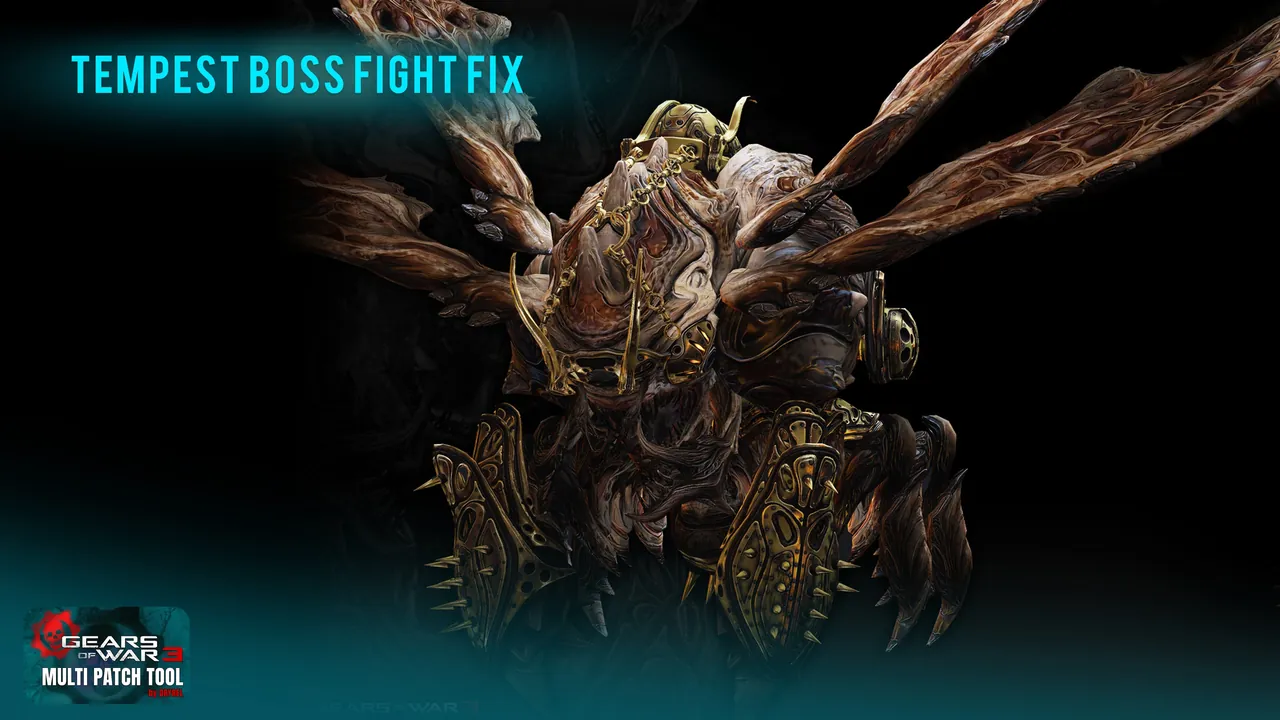
- Act 5: Coast stealth and guards, the washed-out gamma hack, and the Tempest stage 2 soft-lock
- Insane difficulty now unlocks after finishing the campaign
Display and UI6
- Ultrawide (21:9 and 32:9) and high-resolution UI scaling for every menu
- D3DERR_INVALIDCALL crash at non-16:9 and high resolutions
- HUD that scales with the resolution instead of shrinking
- "Objective Failed" screen scaling, and the Experience panel no longer opening on the menu
- Larger, readable subtitles at 1K, 2K and 4K, with Turkish and Ukrainian characters
- Quit Game button in the main menu
Controls4
- ESC and Enter work in Video Settings, Credits and the War Journal
- Keyboard navigation through the menus, ESC as Back
- Inverted analog stick (Look Y) fixed
- Mouse sensitivity and Roadie run camera shake options
Stability and performance6
- Texture streaming pool raised from 145 MB to 8 GB, 16x anisotropic filtering, no frame rate clamp and a 300 FPS ceiling
- Fewer stutters from garbage collection and stale texture memory
- Bink and XAudio2 crash on level transitions
- Campaign checkpoints and Load Game fixed (credit: refresh50)
- Loading Profile screen bypass (credit: Dlposn)
- Opening Epic and Microsoft logos restored
Languages and polish3
- Missing objective text fixed in every language folder
- Language selection, including community translations
- All on-screen developer debug text removed
Platforms2
- Linux and SteamOS (Proton) support, with the right launchers
- Clean install, automatic backups and one-click uninstall
Community
What players say
From the 366 comments on NexusMods. Read them on NexusMods (opens in a new tab).
“What you've accomplished is incredible, absolutely perfect!”
Abstrusko · 15 Oct 2026
“This is a dream come true.”
rynomoolman · 7 Oct 2026
“This is awesome.”
WabbutheRaccoon · 17 Oct 2026
“DryreL, who has done incredible work”
bornintheusa14 · 17 Oct 2026
Install
Up and running in minutes
- Get the toolDownload the Multi Patch Tool from the Files tab on NexusMods.
- Run itDouble-click the tool. It uses the PowerShell that ships with Windows, so there is nothing else to install.
- Answer a few questionsPick your resolution, FOV, name, language and the options you want. Pressing Enter keeps the recommended choice.
- PlayLaunch from the menu the tool offers. If anything looks off, the built-in revert puts the original files back.
Requirements
Before you start
- Gears of War 3 PC, Project Jacinto v1.1.1 (Campaign build)
- Windows 10 or 11, 64-bit (Linux and SteamOS supported)
- Do not install over Jacinto v1.1.2 (Multiplayer)
Credits. Tool developer DryreL. Checkpoint, Bink crash and more fixes: refresh50. Loading profile fix: Dlposn. Larger subtitles: Grilex. Mother Corpser fight and the Act 3 to 4 transition: LukeBoya.
Fan-made mod. Not affiliated with or endorsed by Microsoft, Xbox Game Studios or Epic Games. Gears of War is a trademark of Microsoft.